

Private preview — join the wait list
Icon Map for
Microsoft Fabric
Part of the Icon Map Platform
Bring rich, interactive maps to Microsoft Fabric — built directly on the data already in your OneLake. Icon Map turns your Fabric data into location intelligence your whole organization can explore, share, and act on. No separate GIS tools, no data to move.
- Native to Microsoft Fabric — a first-class workload that sits alongside your lakehouses, warehouses, and reports, secured by your own tenant.
- Built on your OneLake data with deep links to Fabric SQL, Real-Time Intelligence, and Power BI semantic models.
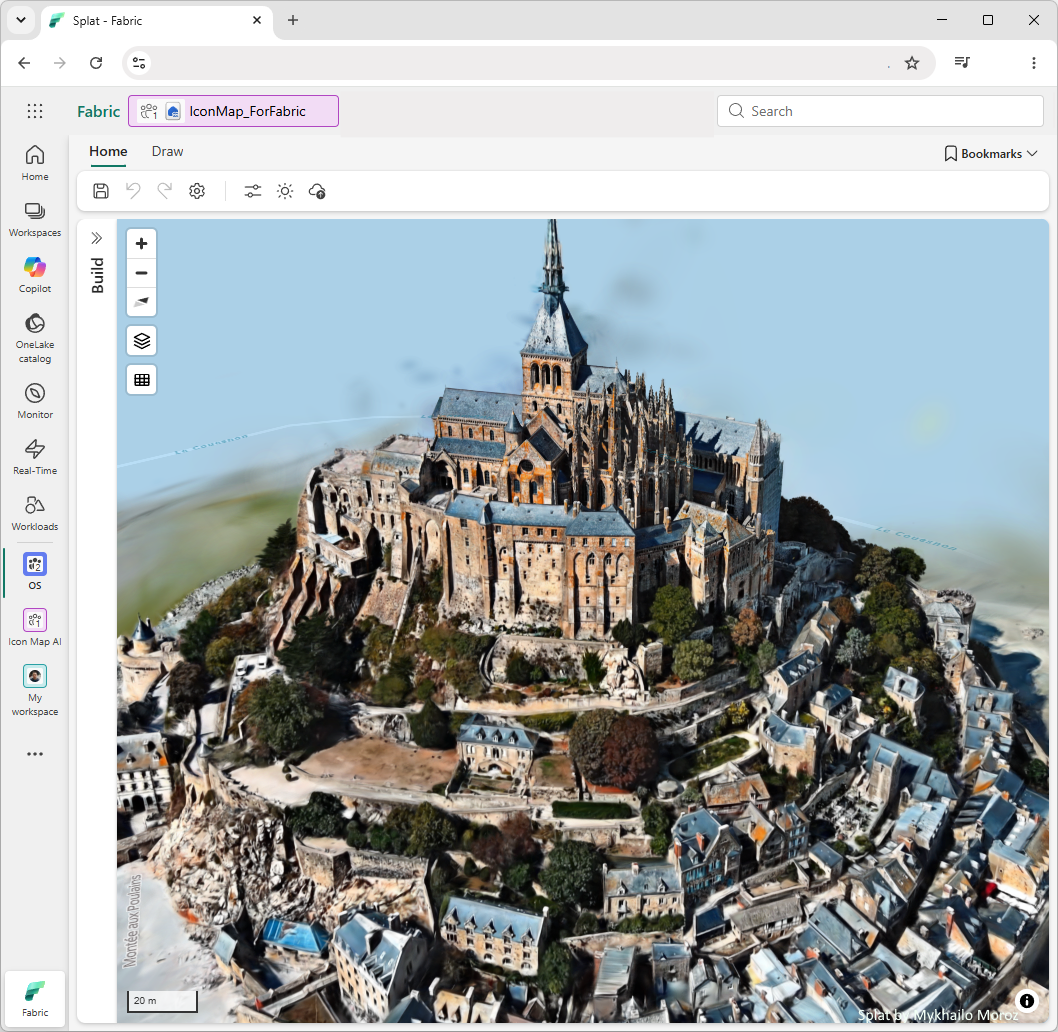
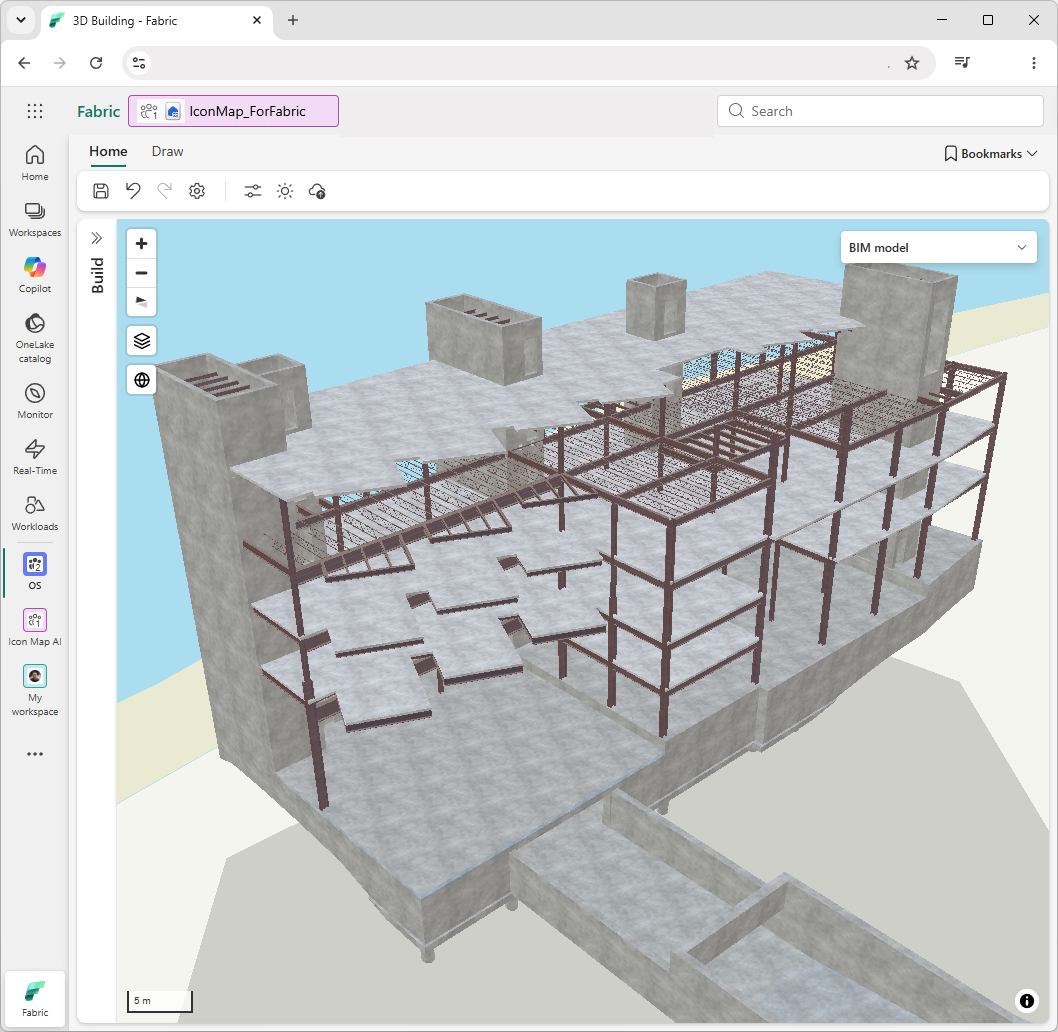
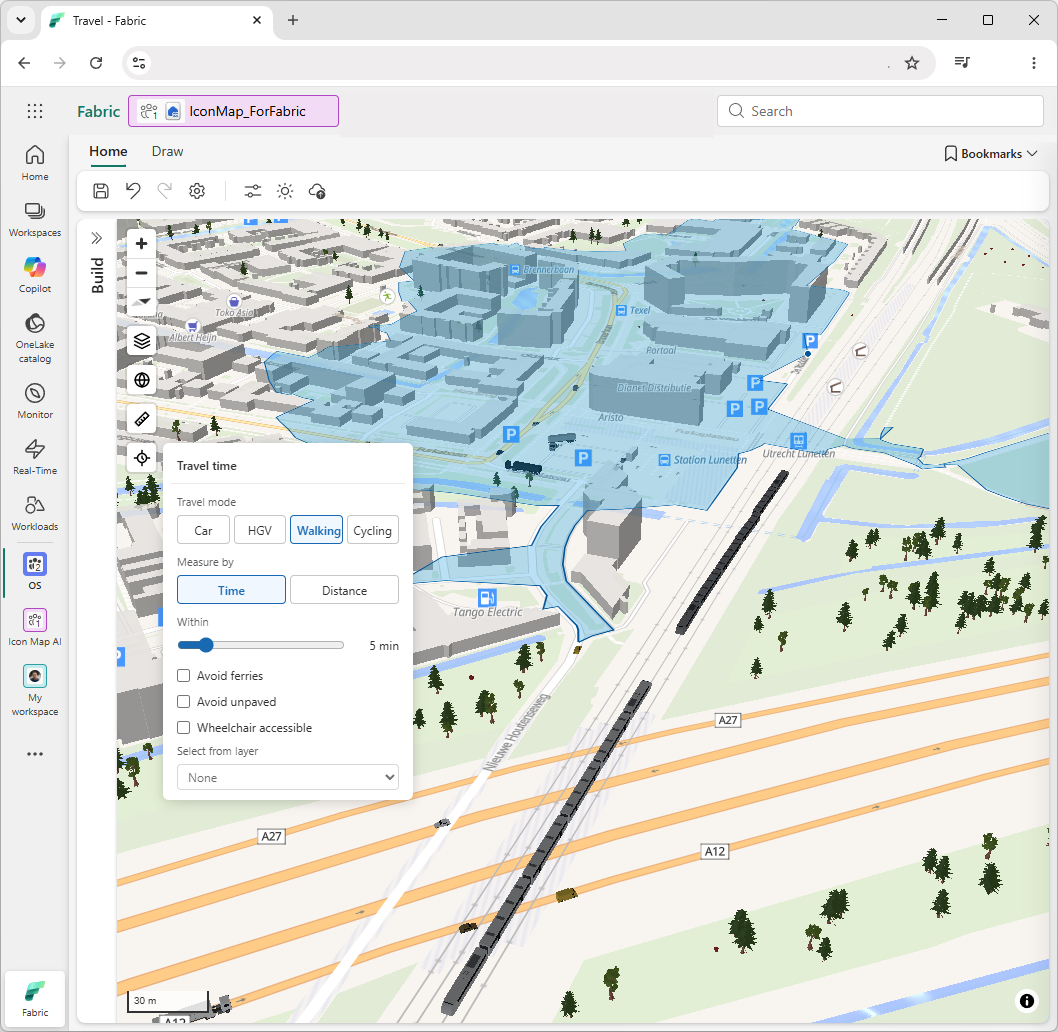
- Many layers, many sources, one map — bring together data from multiple datasets and sources, with rich, modern mapping: 3D scenes, travel-time catchments, and indoor floor plans.
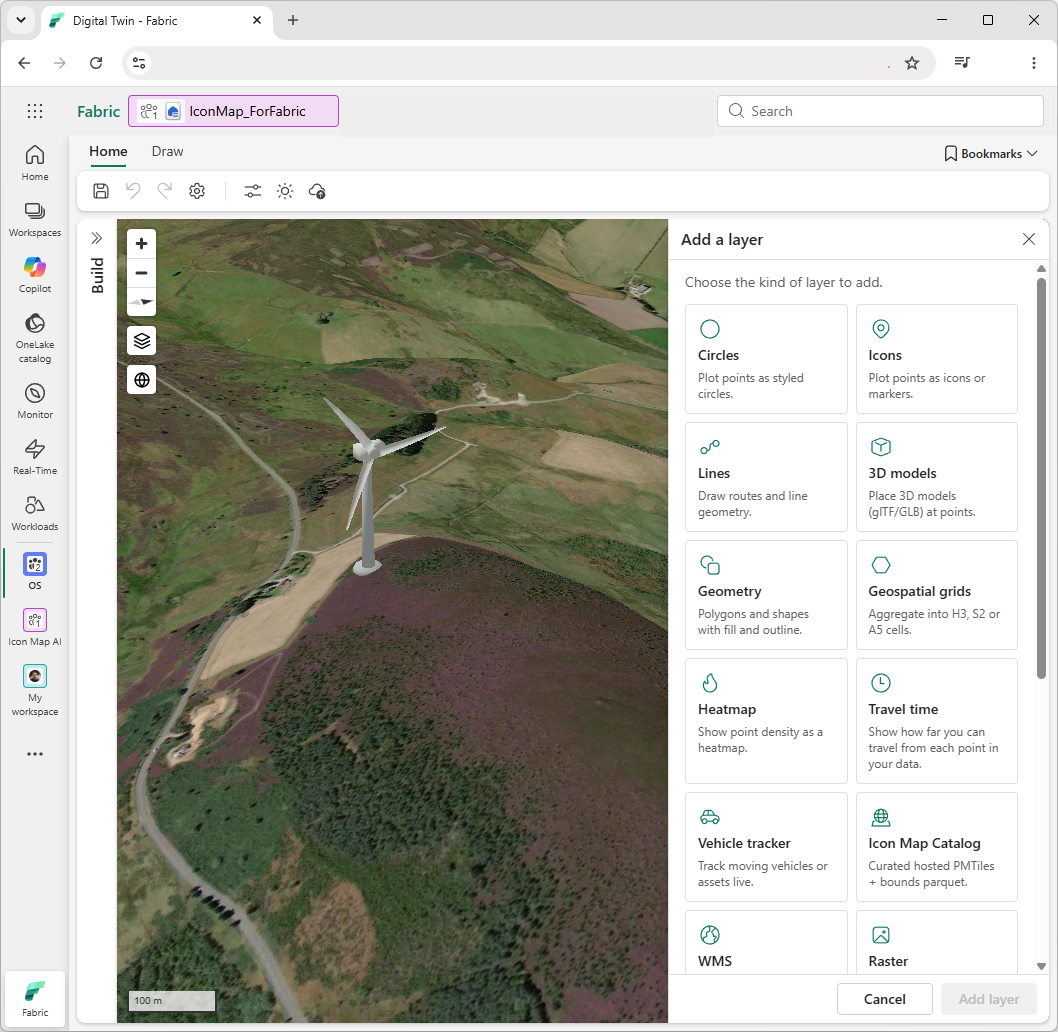
- Thousands of ready-to-use layers — add data from the Icon Map Catalog, or build your own organizational catalog stored securely in your OneLake.
- Publish to any audience — share live, interactive maps inside Fabric and embed them in the apps, portals, and sites your internal and external audiences already use.
Icon Map for Microsoft Fabric is coming soon. Join the wait list to see how location intelligence can fit directly into your existing data environment.
Prefer to read? Explore the Icon Map for Fabric documentation.
Watch on YouTube
Part of the Icon Map Platform
Let AI build your maps for you.
Icon Map connects to the AI assistants your teams already use. Describe the map you want in plain language and it's assembled for you — the right data, layers, and styling — so you start from a finished map instead of a blank canvas.
1
Describe it, don't design it
Ask for the map you need in everyday language — “show our depots colored by monthly throughput.” Your AI assistant does the building while you focus on the decision.
2
Powered by the Icon Map AI MCP server
An open connection lets AI assistants like Microsoft Copilot create and update Icon Map maps directly — part of the wider Icon Map Platform that brings AI to your location data.
3
You stay in control
Every AI-built map is a real Icon Map you can open, refine, share, and govern in Microsoft Fabric. Nothing is a black box, and your data never leaves your tenant.
In practice
“Map our stores worldwide against local population and income, add 15-minute drive-time coverage, and show me the underserved cities where we should expand next.”
Just ask. The Icon Map AI MCP server pulls your own data together with ready-to-use datasets from the Icon Map Catalog — demographics, boundaries, travel times and more — and returns a finished, interactive map, ready to share.
1
Describe the map you want to your AI assistant.2
Icon Map builds the layers, styling, and data bindings for you.3
The finished map opens in Microsoft Fabric, ready to refine or publish.✓
Share it, embed it, or ask for changes in the same conversation.Product preview
See it in action
Preview screens from Icon Map for Fabric. These product highlights represent a small snapshot of the capabilities of Icon Map Fabric.
How it works
Five steps. Minutes, not weeks.
Icon Map fits the way your teams already work in Microsoft Fabric — from connecting your data to publishing a finished, interactive map your whole organization can use.
1
Connect your data
Point Icon Map at your OneLake, Fabric SQL, and Power BI semantic models — no copying or moving required.
2
Build your map
Add and style layers yourself, or simply describe the map you want and let AI build it for you.
3
Combine your layers
Bring together data from multiple sources on a single map — points, areas, routes, 3D, and more.
4
Explore & analyze
Filter, measure travel-time catchments, and drill into the detail behind every location.
5
Publish & embed
Share live, interactive maps in Fabric and embed them for internal and external audiences.
Want the detail? Explore the Icon Map for Fabric documentation for step-by-step guides on connecting data, building layers, and publishing your maps.
Databricks
Icon Map for Databricks — coming soon.
Wherever your data lives, Icon Map goes with it. The same location intelligence is coming to Databricks as a native app, so teams can turn their Lakehouse data into interactive maps without moving it anywhere.
Native Databricks app running right alongside your Lakehouse, bringing all the capabilities of the Icon Map Platform.
Deep integration with Unity Catalog, Delta Lake, and Databricks SQL for governed, up-to-date location data.
Modern mapping performance designed for large-scale spatial workloads and rich, visual analysis.
Private preview
Join the wait list
For more information, and to join the wait list for early access, complete the form below and our team will follow up with more information and updates.